
Gear & tech
Choosing a dive computer without buying too much
Readability and a menu you understand are more useful than a long list of functions you may never use.
9 min read
Visual buying guide
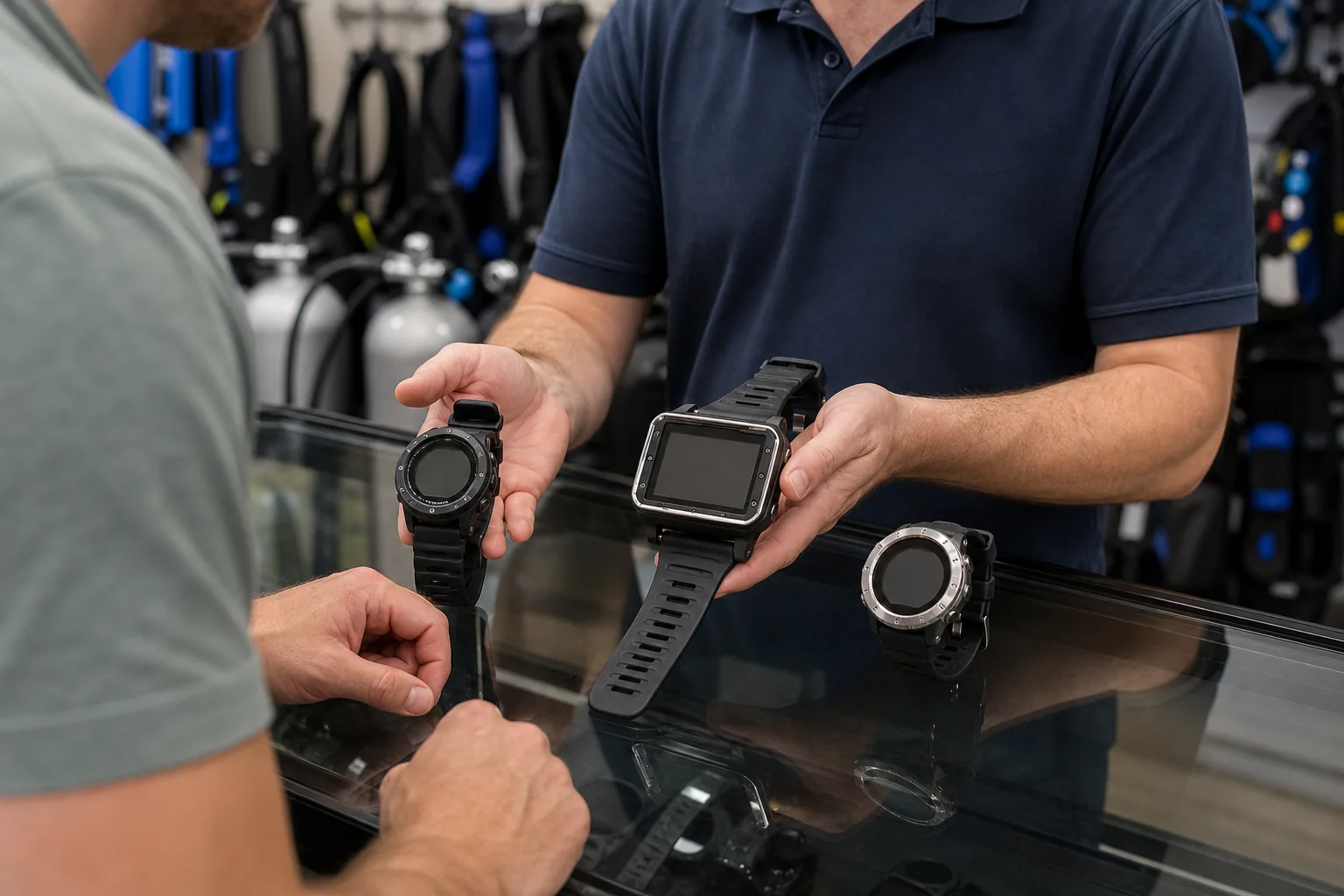
Choose the format before the brand
These are categories, not product endorsements. Compare the display and controls in person whenever possible.
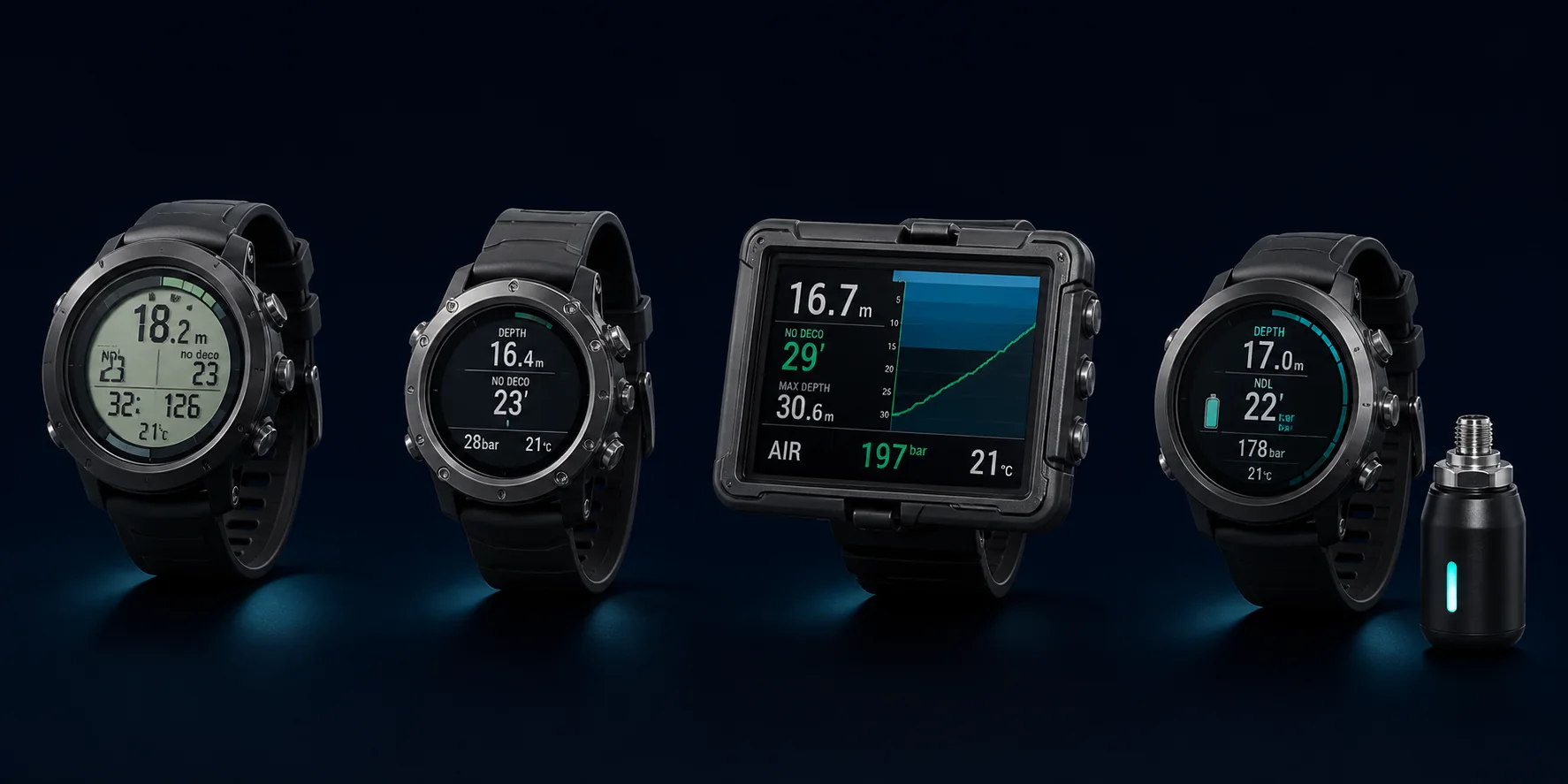
Simple wrist computer
Useful for: Clear core data and straightforward recreational diving
Check: Usually larger than a watch-style computer and often one of the less expensive options
Watch-style computer
Useful for: Travel, daily wear and a compact format
Check: The smaller display must still be easy for you to read underwater
Large-screen computer
Useful for: Strong readability, gloves and room for more information
Check: Bulkier and often more expensive than a simple wrist model
Air integration
Useful for: Adding tank-pressure information to a compatible wrist, watch-style or large-screen computer
Check: This is an optional feature, not a separate physical format. Include the transmitter cost and setup in your comparison
Find a suitable format
What matters most to you?
Suggested starting category
Start with a large-screen computer
Readability is the clearest priority. A larger screen can make depth, no-stop time and warnings easier to interpret quickly.
- Try it with gloves
- Check the main screen at a glance
- Compare battery life and physical size
How to prepare it
A six-point pre-dive check
Use the manufacturer’s manual and your training. Tick each item here as a learning exercise.
External reading and video
Compare several points of view
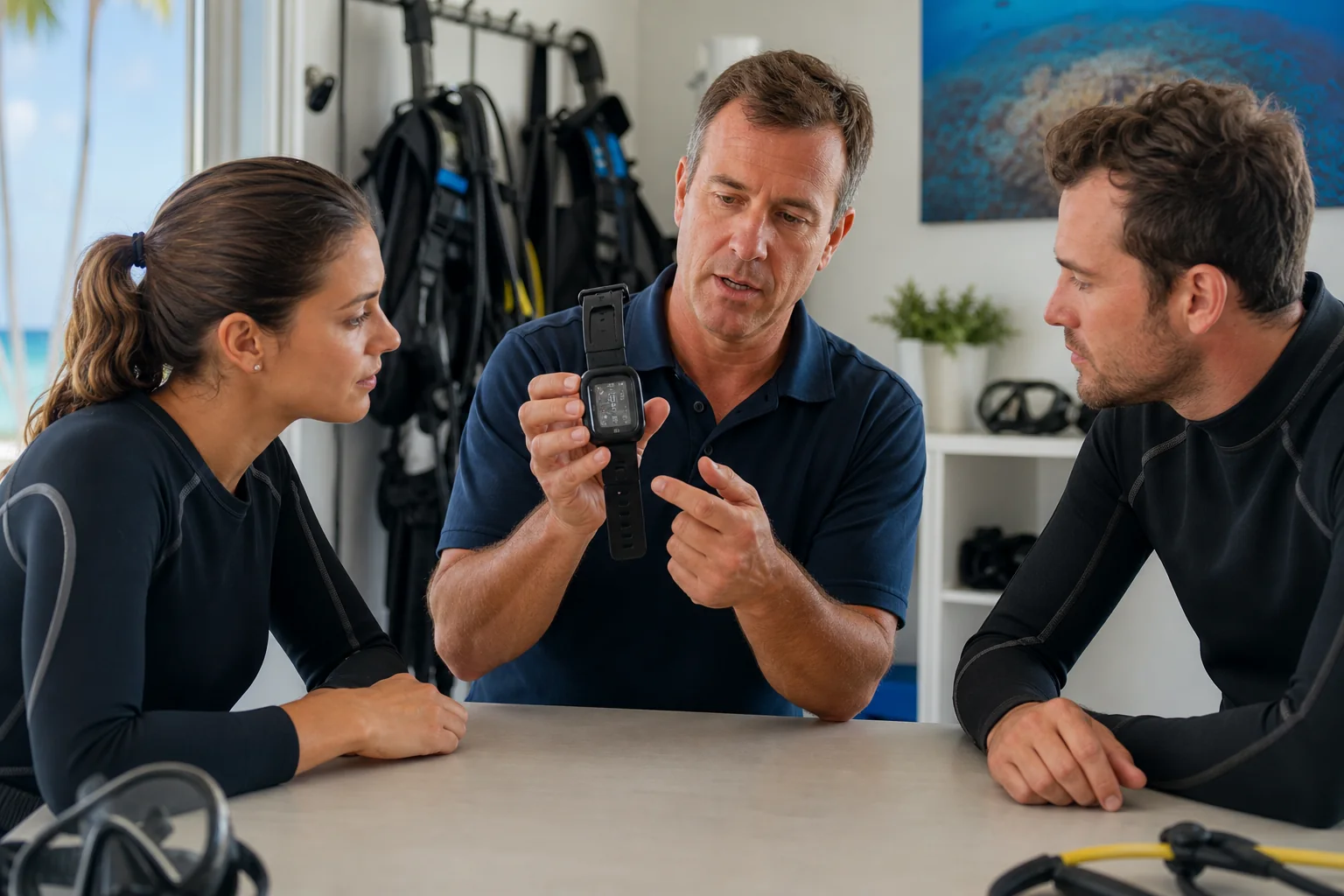 Training organisationPADI: Choosing a Dive ComputerGeneral feature and maintenance guidance
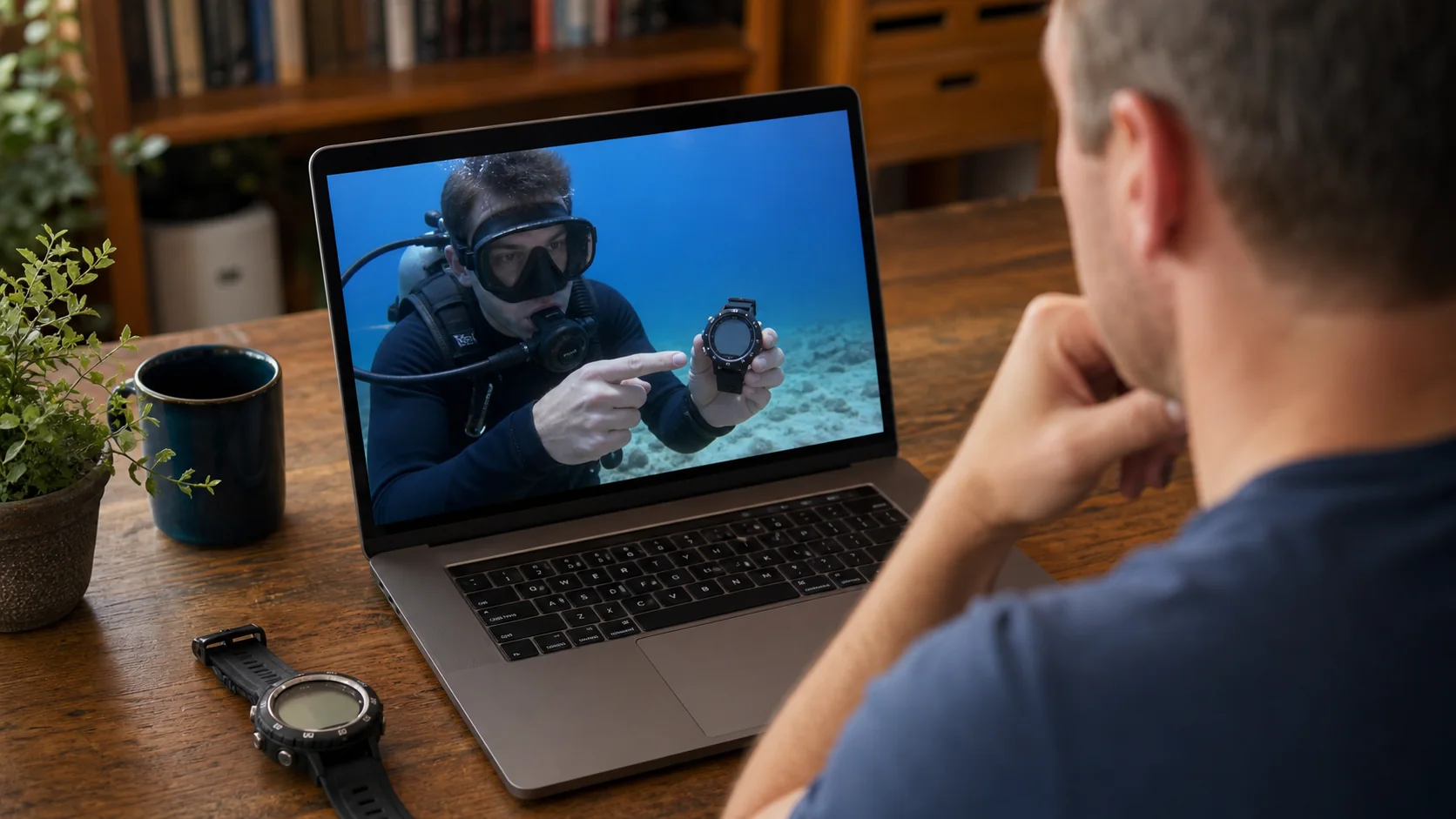 Free videoSimply Scuba: What to Look ForA retailer-produced buying overview
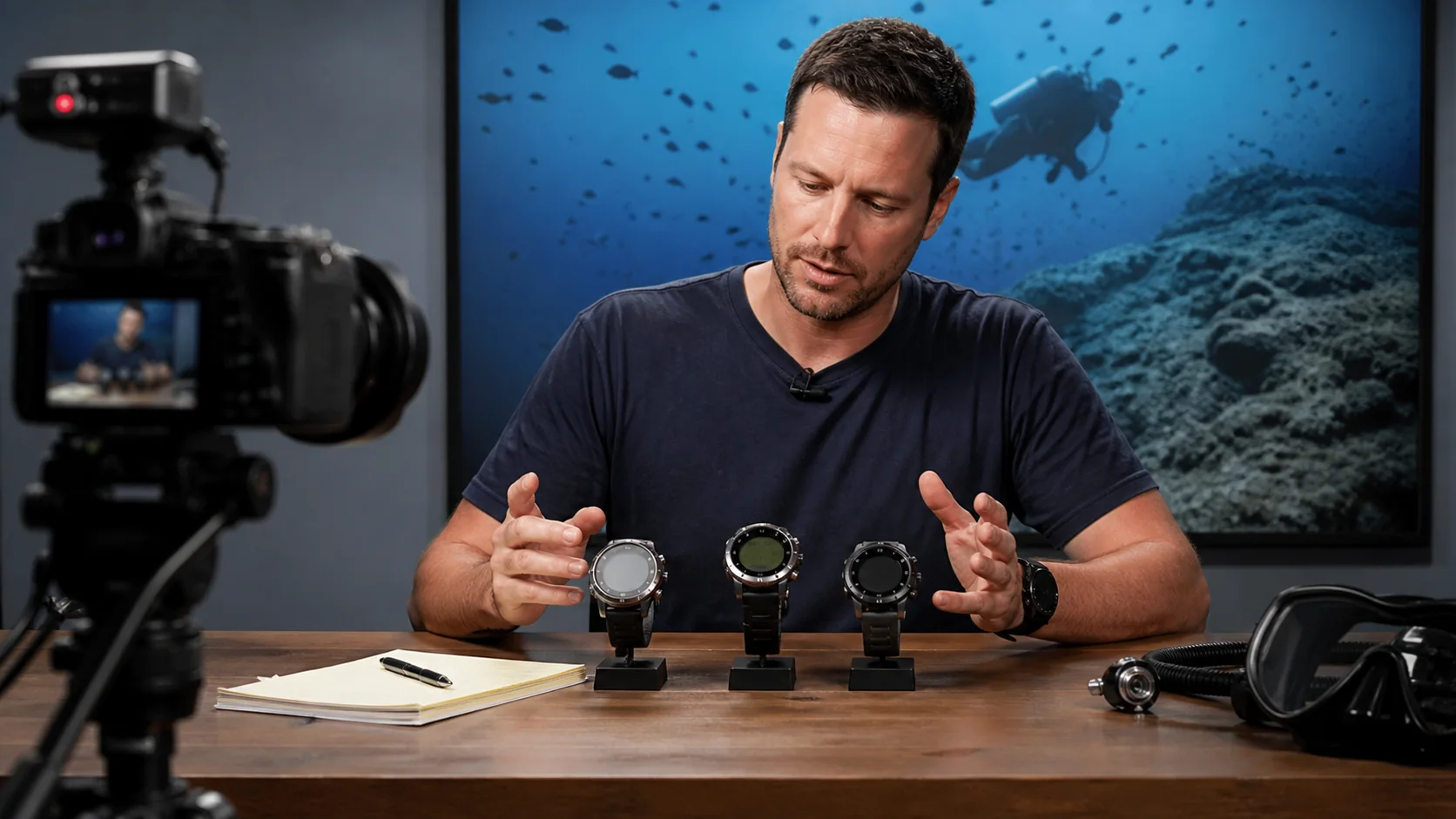 Magazine videoScuba Diver Magazine: Ten Buying TipsA free external YouTube video
 Retailer reviewBluewater Photo: 2026 ComparisonModel comparisons from a retailer